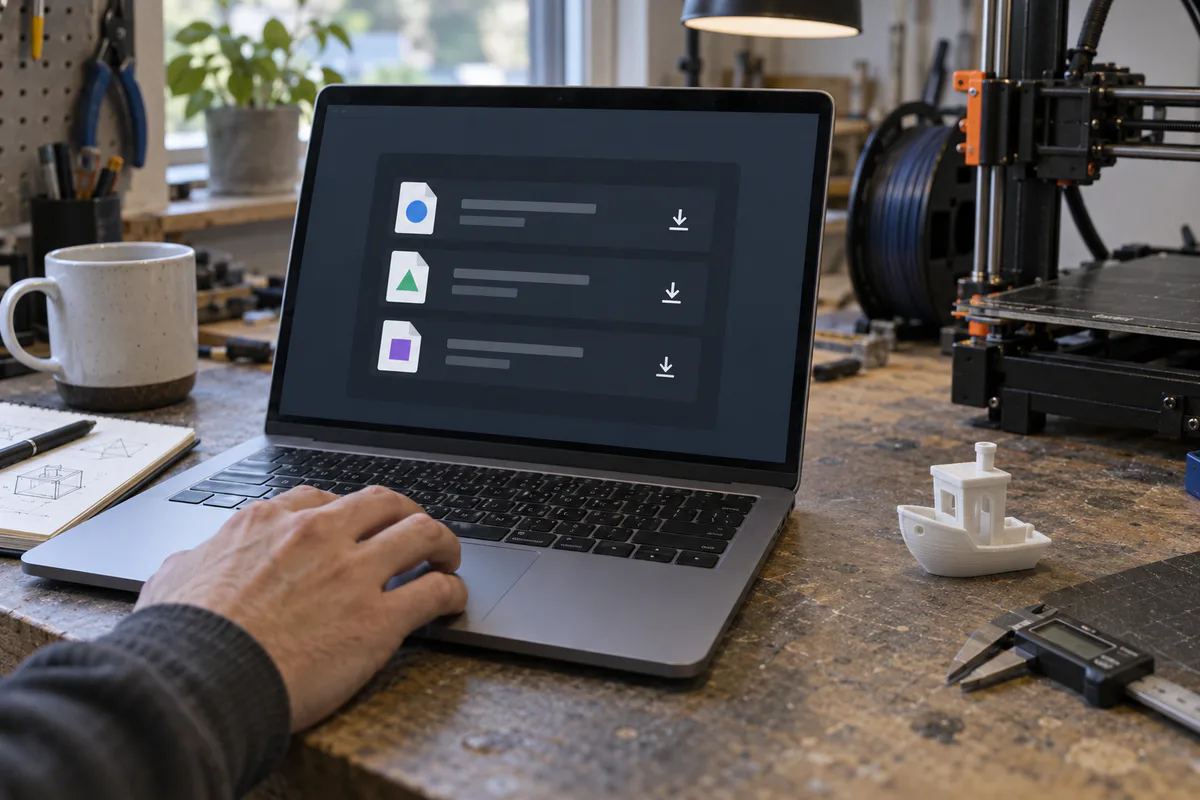







Updating your slicer without losing your settings
Back up your profiles, check the release notes and keep a copy of your working project.
Read the guide →Independent release archive
Official releases for your next print. Pick a download, check an installed version or find an older build that worked for you.
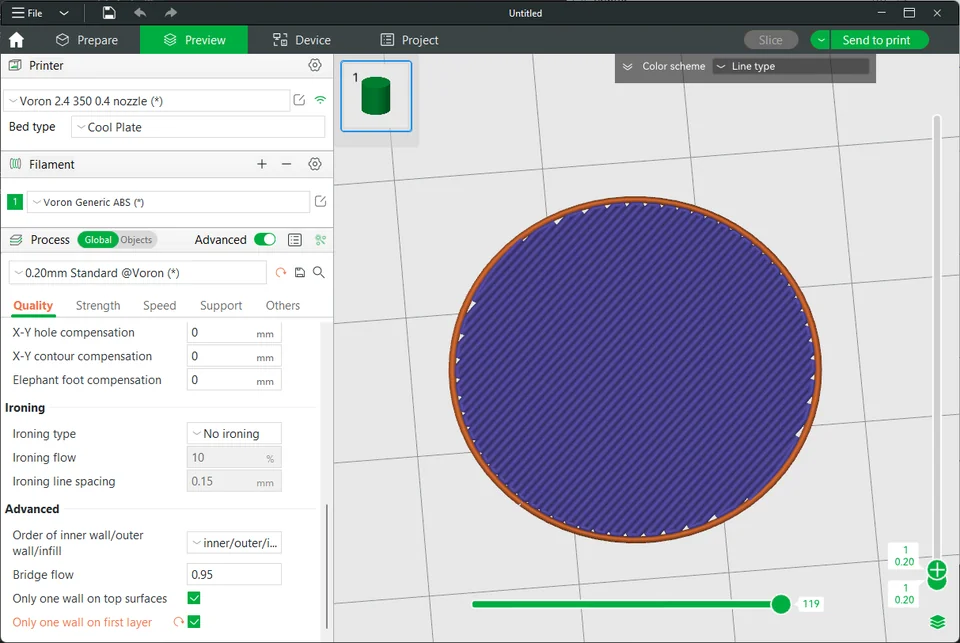
Keep the slicers you use here. Your selection stays in this browser.
No slicers saved yet. Choose the ones you use.
 Creality Print 7.3.0Stable
 Bambu Studio 2.8.4.57Pre-release
 PrusaSlicer 3.0.0-alpha12Pre-release
 Snapmaker Orca 2.4.0StableSnapmaker Orca 2.4.0-betaPre-releaseSnapmaker Orca 2.4.0-alphaPre-releaseBambu Studio 2.8.3.66Pre-release
 ELEGOO Slicer 1.5.3.5Stable
Back up your profiles, check the release notes and keep a copy of your working project.
Read the guide →Match the operating system, processor and package format before installing.
Read the guide →Understand the publisher’s release label and the extra care a preview build needs.
Read the guide →