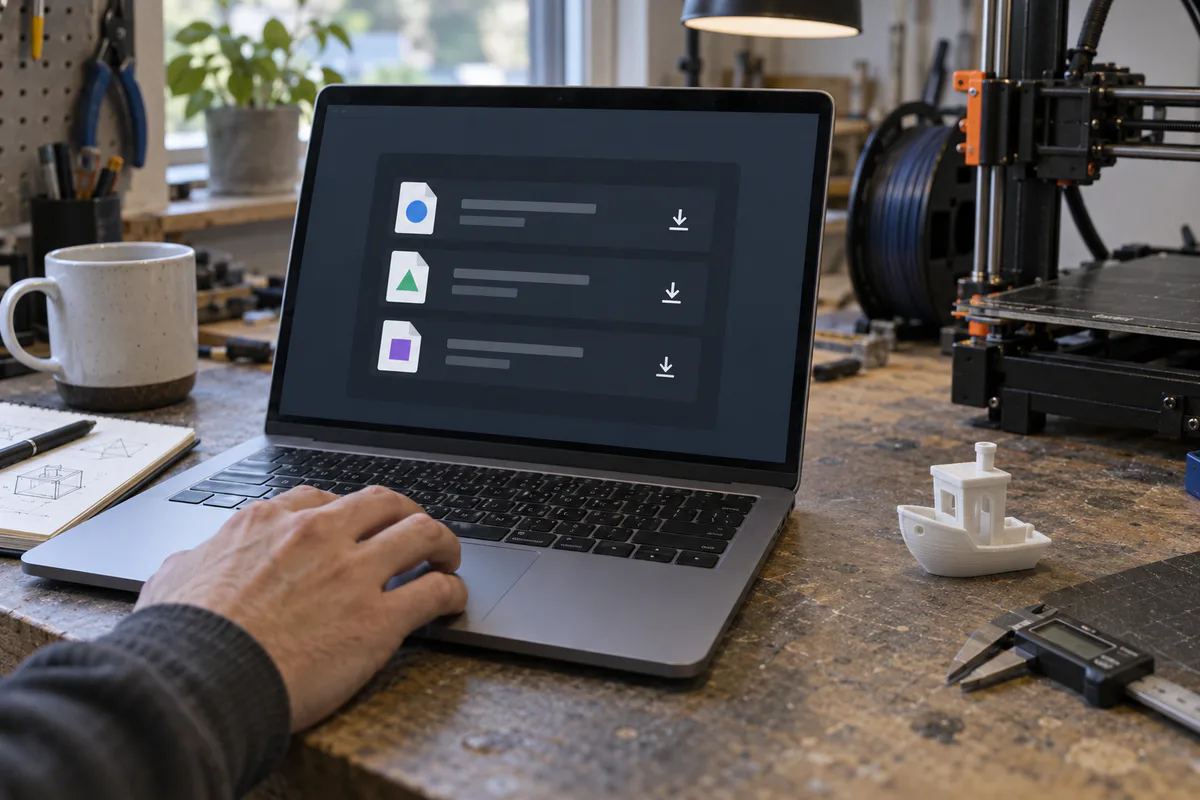
Start with the official release, then match each part of the filename to the computer that will run the slicer. Do not choose a file only because it is the smallest or newest one in the list.
1. Match the operating system.
Choose Windows, macOS or Linux first. An installer for another operating system will not run. Linux downloads can also target a particular distribution or packaging system.
2. Match the processor.
Most Windows and Linux PCs use x64. Newer Apple Silicon Macs and some Windows or Linux devices use ARM64. Choose a universal macOS build when the publisher provides one and you are unsure which Mac processor you have.
3. Choose an installer or archive.
An installer usually provides the simplest setup. Portable ZIP archives and AppImages can be useful when you want to keep versions separate, but they may require manual updates or permissions.
4. Verify the release requirements.
A platform label does not prove that your OS version is supported. Read the original release notes and system requirements before replacing a working installation.
Compare release files →